
Citra MMJ
Tools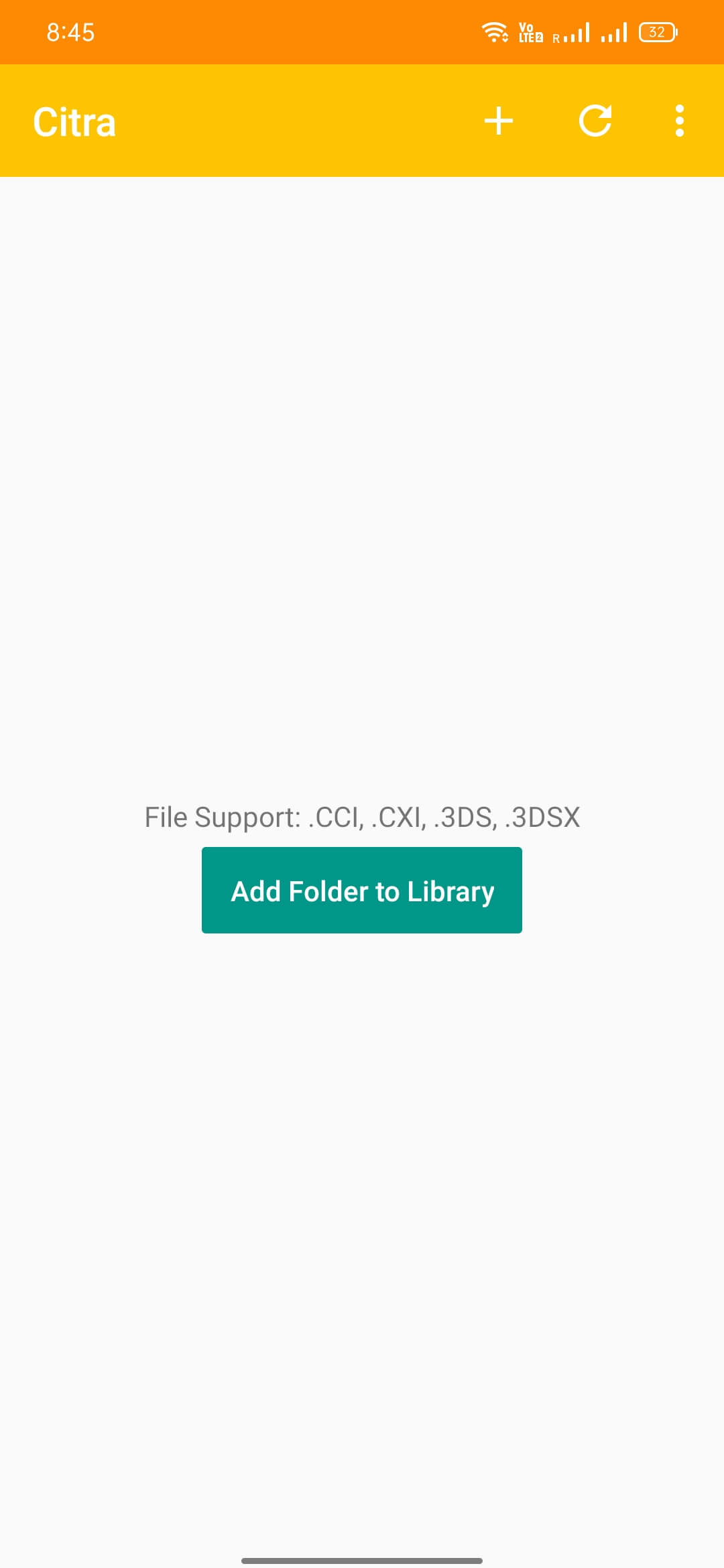
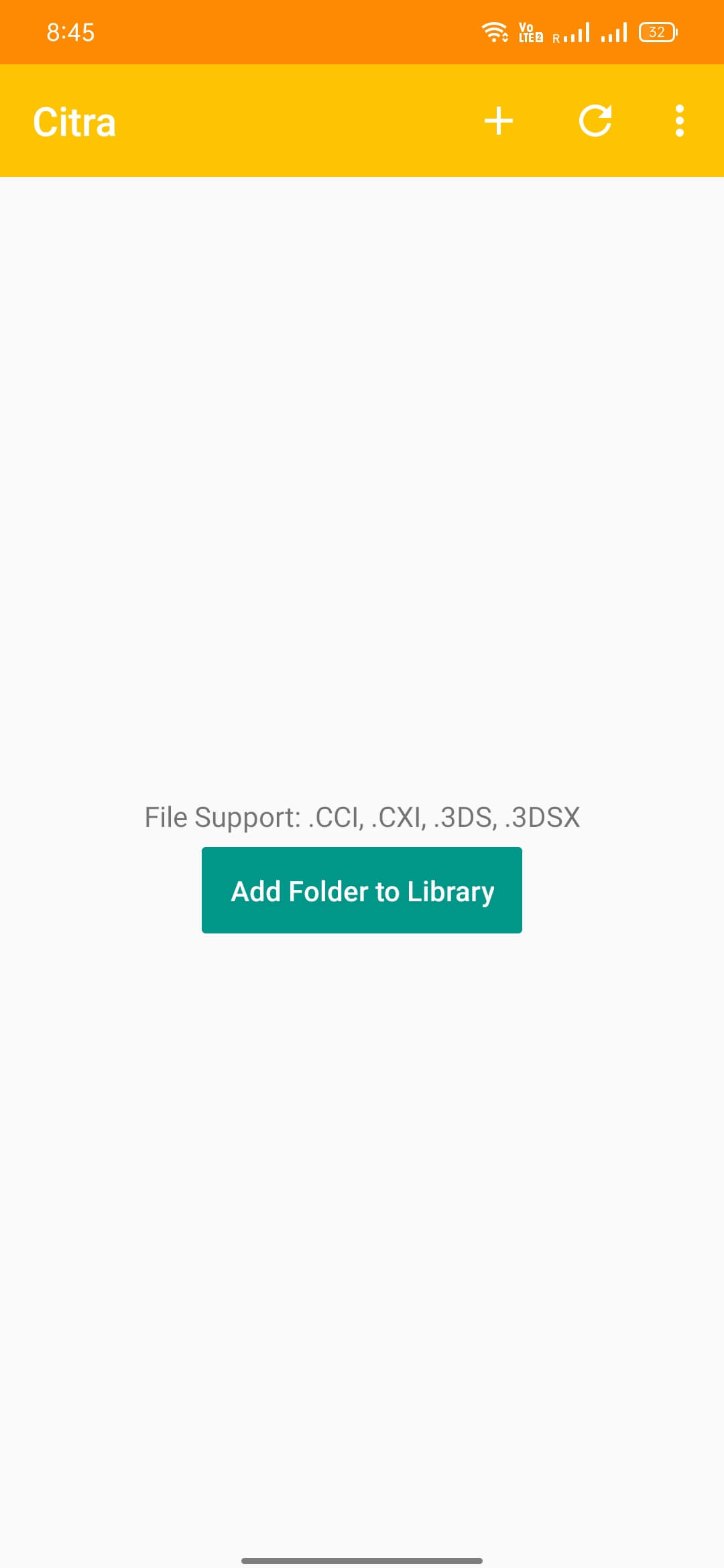

Citra MMJ is an Android emulator that brings Nintendo 3DS games to your mobile device. By loading 3DS ROM files, you can enjoy classic handheld titles without needing the original console.
This page covers what the app does, how to install it, common issues, and safety considerations. All information is based on the official build version 99a89d290, released on 19 January 2026.
The APK is compact at 15.06 MB and does not require a separate OBB or data package.
Quick Information
| App/Game Name | Citra MMJ |
| Latest Version | 99a89d290 |
| Developer | Not listed |
| Category | Apps / Tools |
| App Size | 15.06 MB |
| Package Name | org.citra.emu |
| Last Updated | 19 January 2026 |
What Is Citra MMJ?
Citra MMJ is a Nintendo 3DS emulator for Android devices. It reproduces the 3DS hardware environment, allowing you to run game ROMs that you have legally obtained. Core features include basic touch controls, support for external gamepads, and the ability to save and load game states. The emulator works best on devices with at least 2 GB of RAM and a relatively recent processor. It does not include any games, and performance can vary depending on the device’s hardware.
Compatibility
| Android Version | ✓ Verified — Android 7.0 and later |
| Architecture (ARM64 / 32-bit) | ✓ Verified — Supports common device architectures |
| Internet Connection | ✓ Verified — May be required for ads, updates, or login |
| Storage Needed | Not Verified |
| OBB/Data Files | Not Verified |
| Root Required | Not Verified |
How to Install
- Open your device’s Settings and enable Install unknown apps for the browser or file manager you will use.
- Download the Citra MMJ APK file from a trusted source.
- Locate the downloaded file in your file manager and tap it to start the installation.
- When prompted, grant the requested permissions (storage access is required to load ROM files).
- After installation, open the app. Use the built‑in file picker or a third‑party manager to navigate to your 3DS ROMs and load them.
- Configure on‑screen controls or connect a compatible gamepad for a better experience.
Troubleshooting
- App not installed: Ensure the APK is compatible with your Android version and that unknown app installation is enabled.
- Crashes on startup: Clear the app cache, reinstall, or try a device reboot. Incompatible hardware may also cause instability.
- Games fail to load: Verify that the ROM file is a valid .3ds or .cia format and that it is not corrupted.
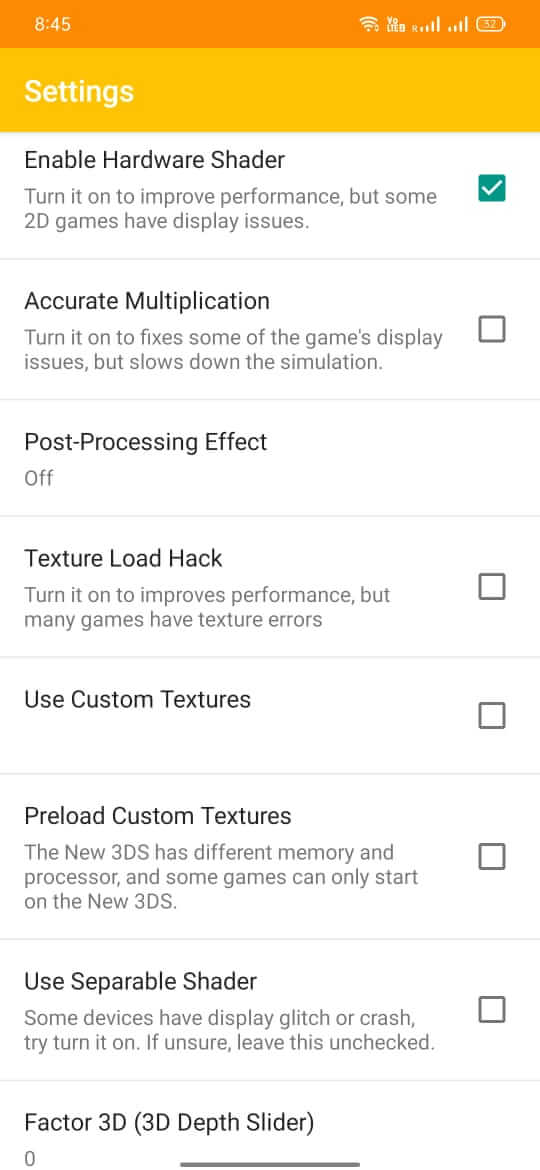
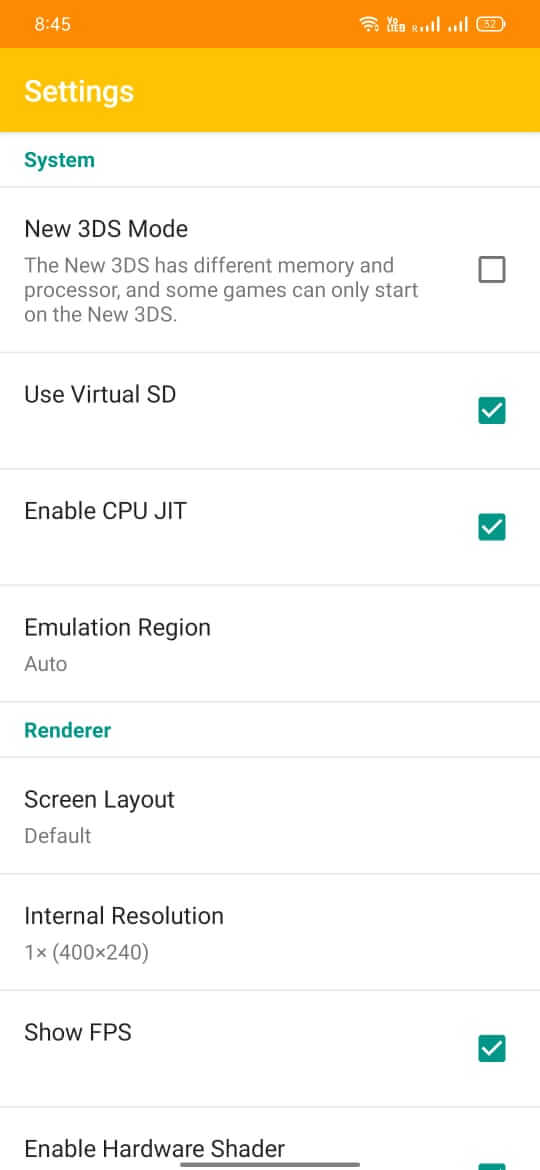
- Poor performance or lag: Lower the internal resolution in the emulator settings and disable extra graphical filters.
- Controller not recognized: Check that the gamepad is properly paired via Bluetooth or USB and that the emulator’s input settings are configured.
Safety & Security
Citra MMJ is an unofficial build, so download it only from reputable sites that scan files for malware. After installation, review the permissions the app requests; it should only need storage access to read ROM files. Avoid entering personal or financial information inside the emulator, as it is not designed for such data. Keep in mind that future updates to Android may affect compatibility, and you may need to reinstall a newer version of the APK.
How Citra MMJ Compares
| Feature | Citra MMJ | Citra (official) | DraStic DS Emulator |
|---|---|---|---|
| Price / Free model | Free | Free (open source) | Paid (one‑time purchase) |
| Platform availability | Android only | Android, Windows, macOS, Linux | Android only |
| Standout feature | Lightweight package (15 MB) | Broad device support and frequent updates | Highly optimized DS emulation with controller support |
| Best for | Users who want a quick, free 3DS emulator on Android | Enthusiasts needing the most up‑to‑date compatibility | Players focusing on Nintendo DS titles rather than 3DS |
Alternatives
- Citra (official) – The original open‑source 3DS emulator with extensive device compatibility and regular updates.
- DraStic DS Emulator – A paid Android emulator focused on Nintendo DS games, known for smooth performance and controller support.
- RetroArch – A multi‑system emulator that includes a 3DS core; useful if you already use RetroArch for other consoles.
- PPSSPP – While primarily a PSP emulator, it offers a familiar interface for users looking for alternative handheld emulation on Android.
Final Verdict
Citra MMJ provides a straightforward way to run Nintendo 3DS games on Android without paying for a premium app. Its small size and free distribution make it attractive for casual gamers, though the lack of official support means you may encounter occasional compatibility hiccups. Verify the APK source, grant only necessary permissions, and be prepared to update to newer builds as Android evolves.
Frequently Asked Questions
Download it only from reputable sites that verify the file for malware and check the permissions it requests after installation.
The app runs on Android 6.0 (Marshmallow) and newer, though newer versions may provide better performance.
No, Citra MMJ works on standard (non‑rooted) Android devices.
Place the .3ds or .cia ROM file on your device, open Citra MMJ, and use the built‑in file picker or a file manager to select the ROM.
This can happen if unknown‑source installation is disabled, the APK is corrupted, or the device’s Android version is not compatible.
Yes, both can be installed, but they may share the same storage permissions and could conflict if they try to access the same ROM files simultaneously.
Updates can affect compatibility; you may need to download a newer version of the APK that supports the latest Android release.
No, Citra MMJ is a single APK file and does not require additional OBB or data packages.